This device · recommended
macOS
Apple silicon and Intel installers when included in the release.
Checking stable release…
 Get Nukodes
Apps · Field note 03
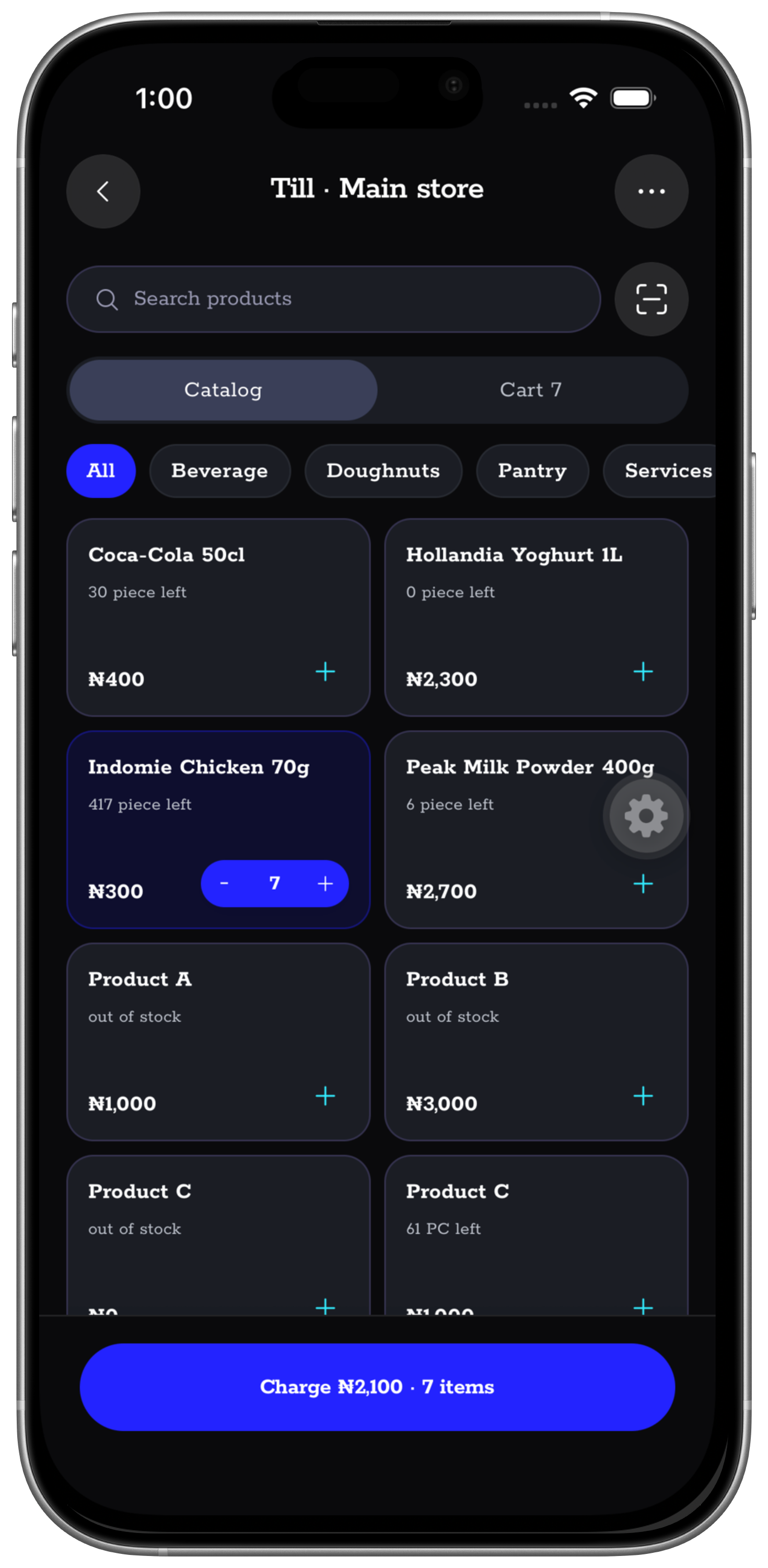
Use Nukodes from the phone in your hand or the computer that stays at the counter. The workspace remains one operating record across both.
Practical noteStore and installer availability follows the releases published for each platform.
Start with the device you already use
Install Nukodes on a phone for work on the move, or on a computer for a counter and back office that need a permanent workspace.
For selling, stock checks, collections, and work away from the desk.
Open Google Play ↗02iPhone and iPadCarry the same workspace between the owner, the floor, and the back office.
Open the App Store ↗03macOS, Windows, and LinuxFor the computer that stays at the counter, finance desk, or back office.
Find my installer ↓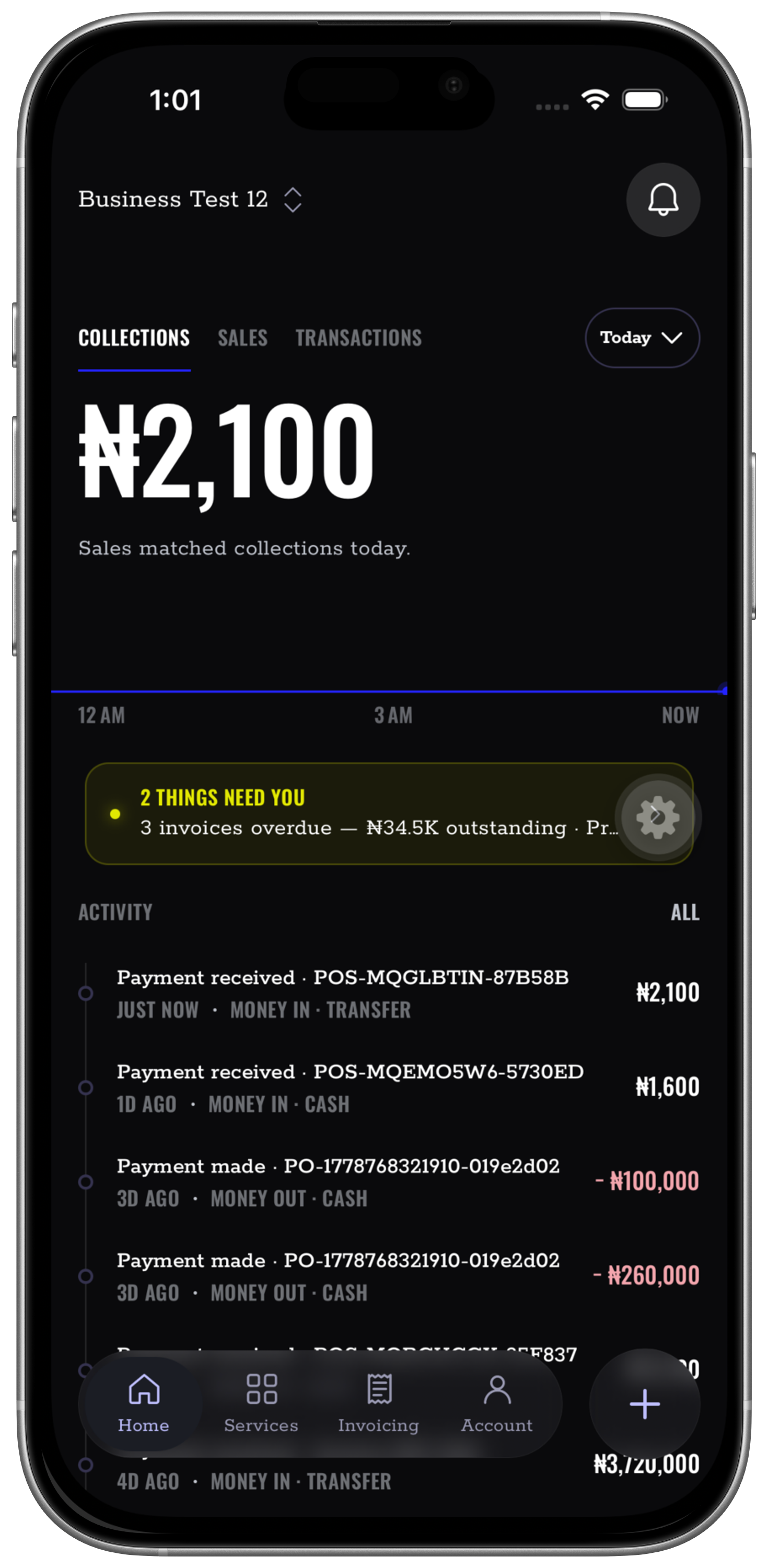
The permanent station
Apple silicon and Intel installers when included in the release.
Signed installer package when included in the release.
AppImage or Debian package when included in the release.
One workspace, two desktop tools
The complete Nukodes workspace installed as an application on the computer.
A small background helper for raw ESC/POS receipt printing from supported desktop browsers.
Get Printer Service ↗